Internal tooling · Open1320 Legends
Open1320 Workshop
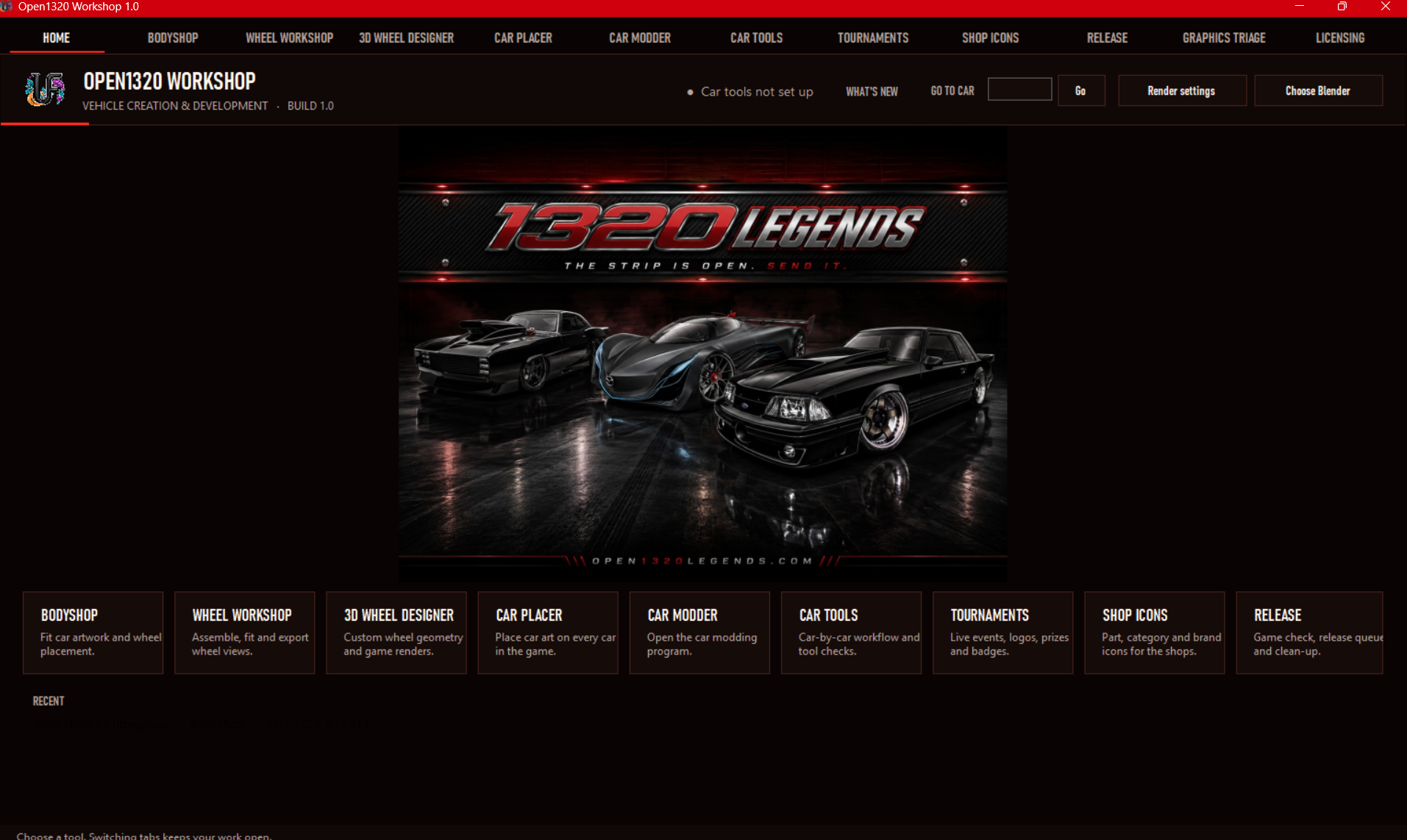
A full desktop program built to run the entire content workflow for the game — from a new car or wheel idea to a checked, game-ready file. Eleven tools in one place.
What it does
Every content job, one program
Each tab handles one part of making new content for the game.
01
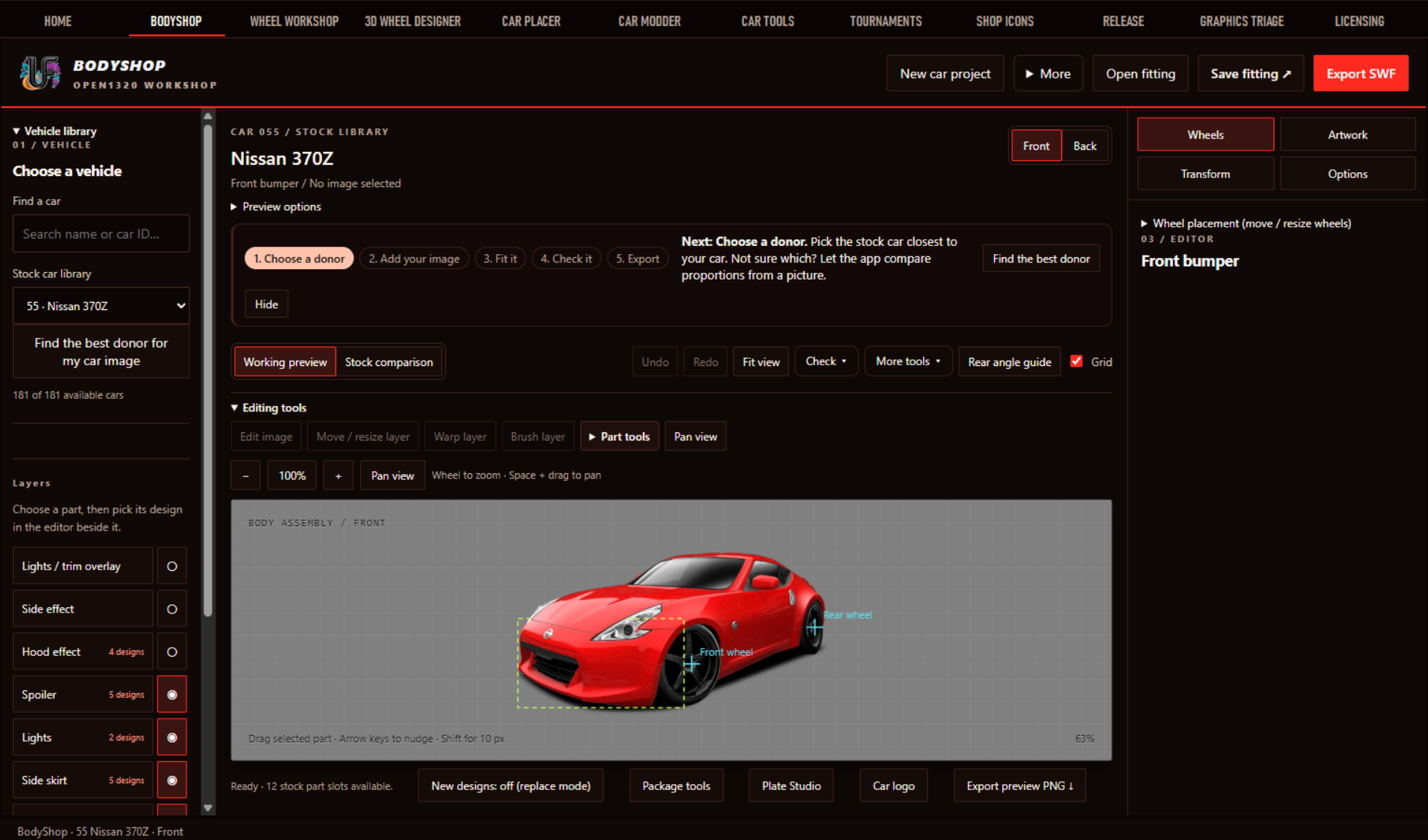
Bodyshop
Pick a donor car, add artwork, fit wheels and parts layer by layer, check it, export a game-ready SWF.
02
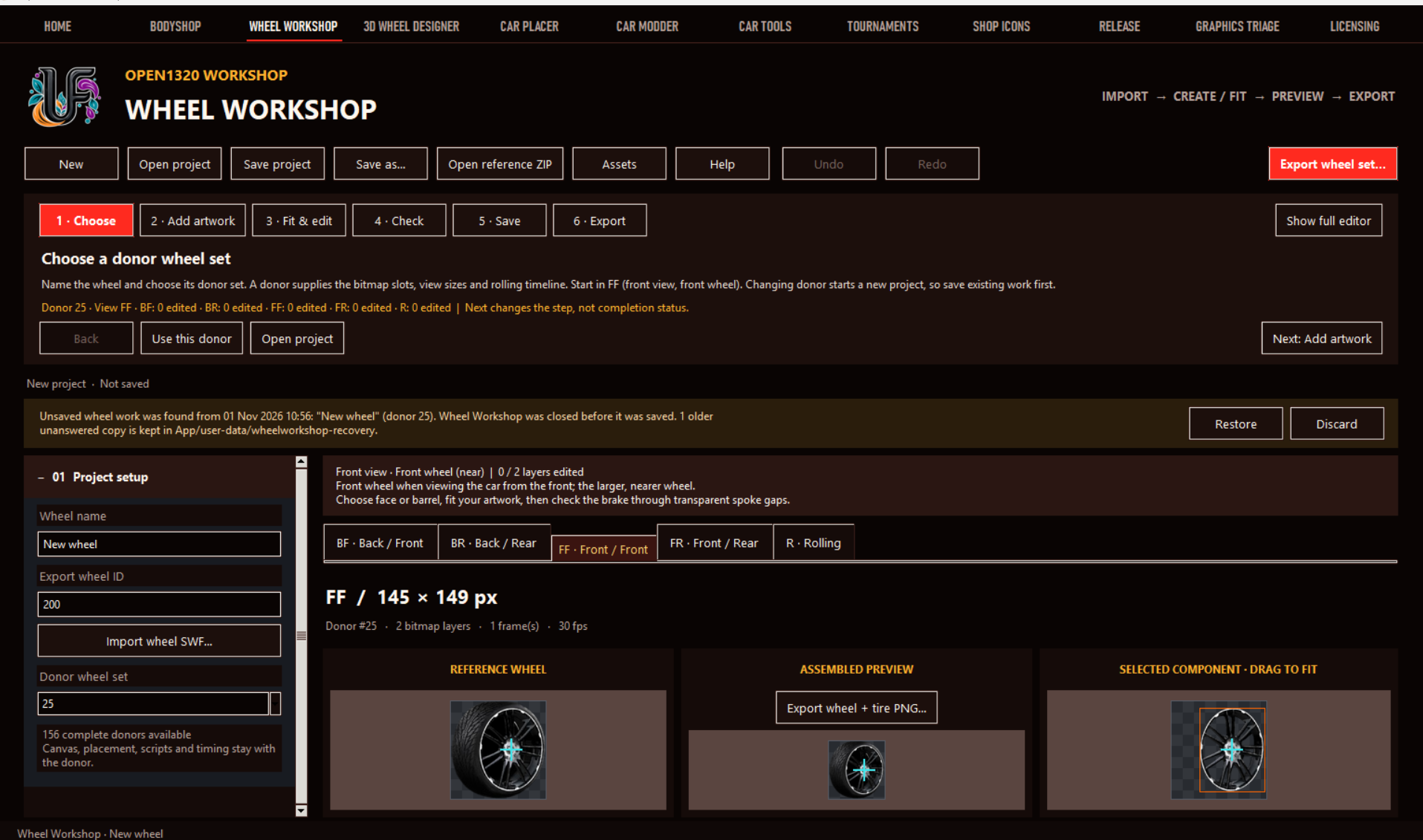
Wheel Workshop
Assemble wheel sets across every view and rolling timeline from 156 donor sets, with crash recovery for unsaved work.
03
3D Wheel Designer
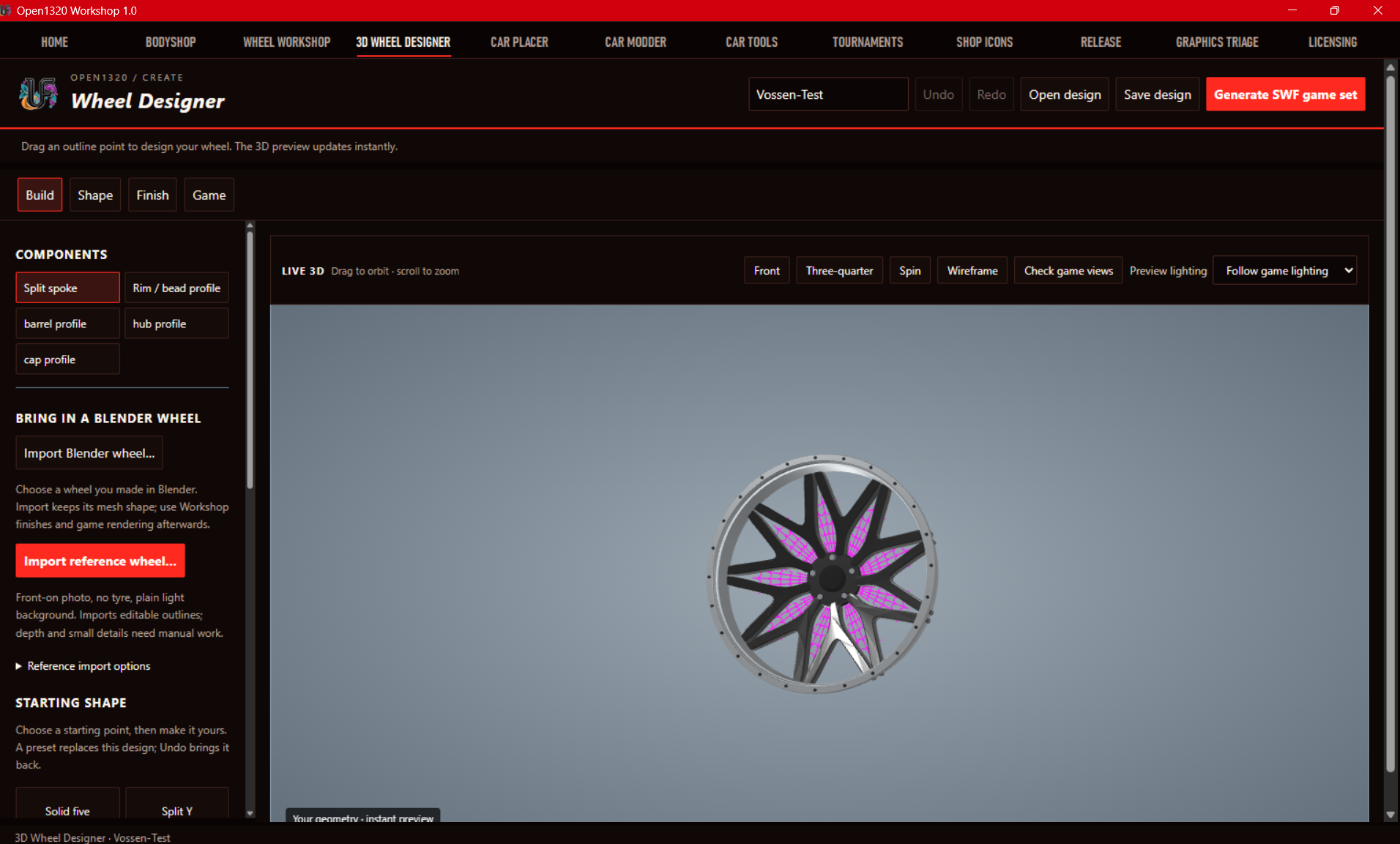
Drag outline points to shape a wheel in live 3D, import Blender meshes or reference photos, then generate the game set.
04
Car Placer & Car Modder
Place car art across every car in the game and open the modding program without leaving the app.
05
Car Tools
A car-by-car workflow with built-in checks so nothing ships half-finished.
06
Tournaments
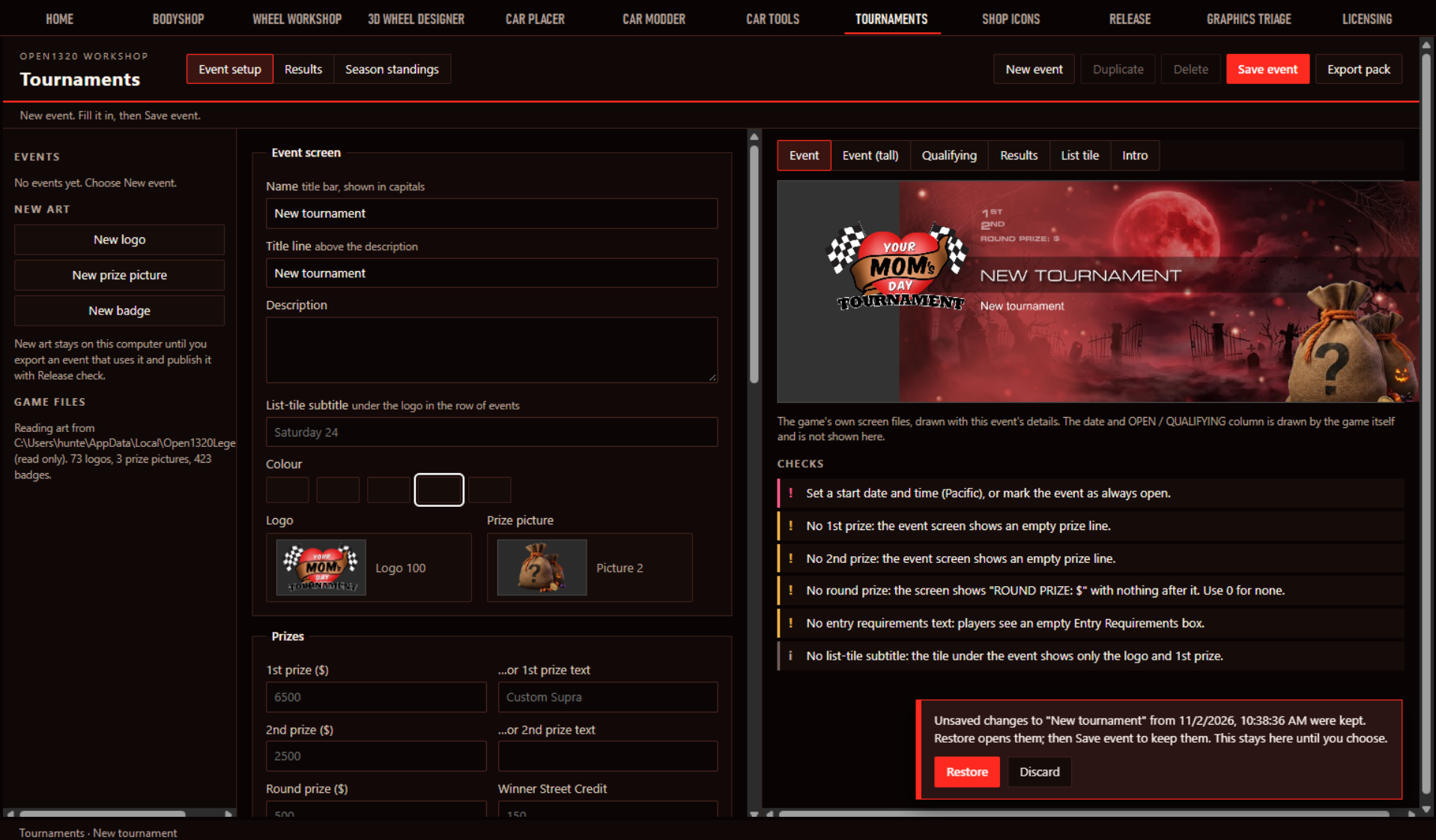
Build live events with logos, prizes and badges, previewed on the game's own screens with checks for missing details.
07
Shop Icons
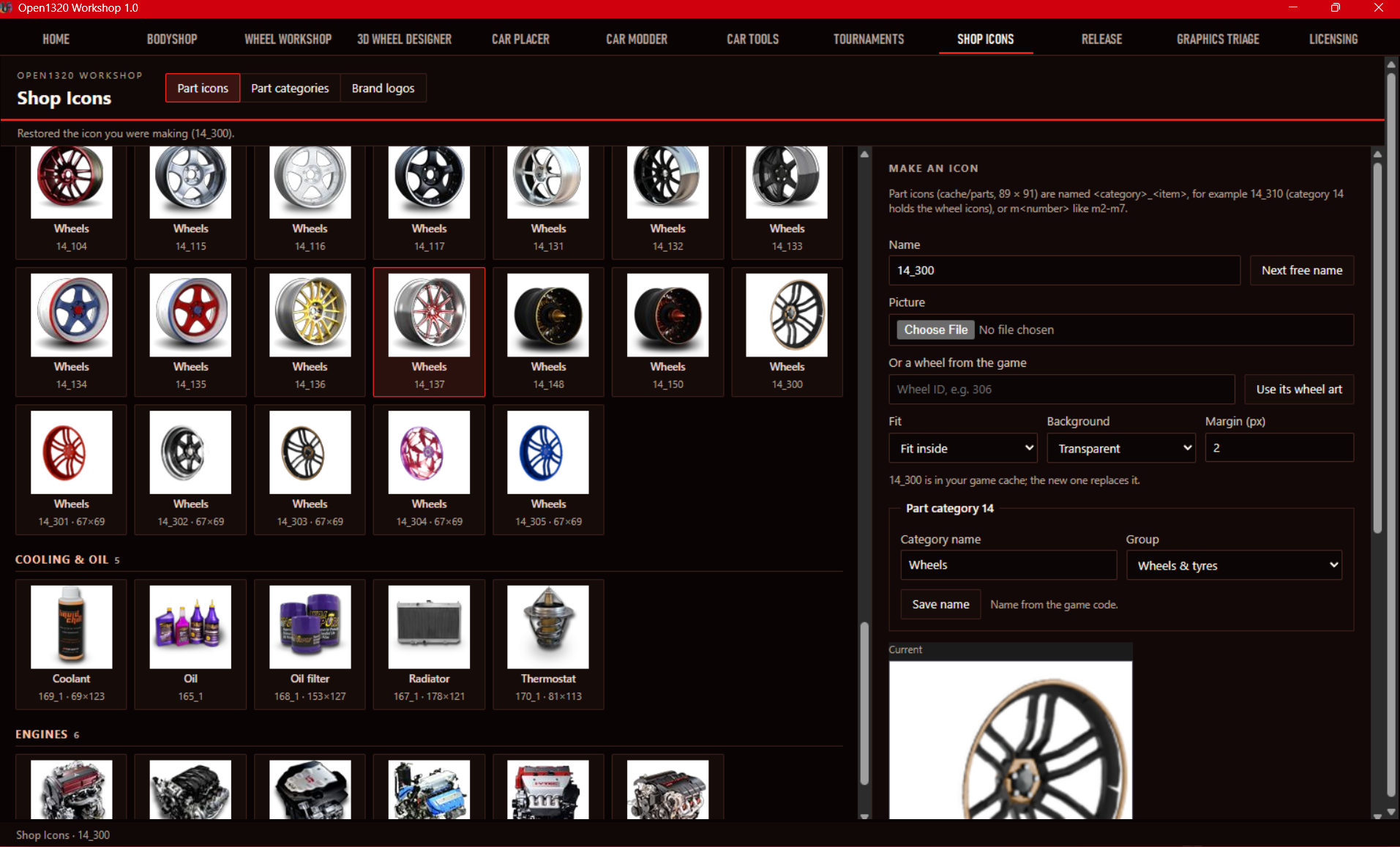
Make part, category and brand icons with correct names, sizes and backgrounds for the in-game shops.
08
Release & Graphics Triage
Game checks, a release queue, and clean-up of broken or unused graphics before anything goes live.
09
Licensing Register
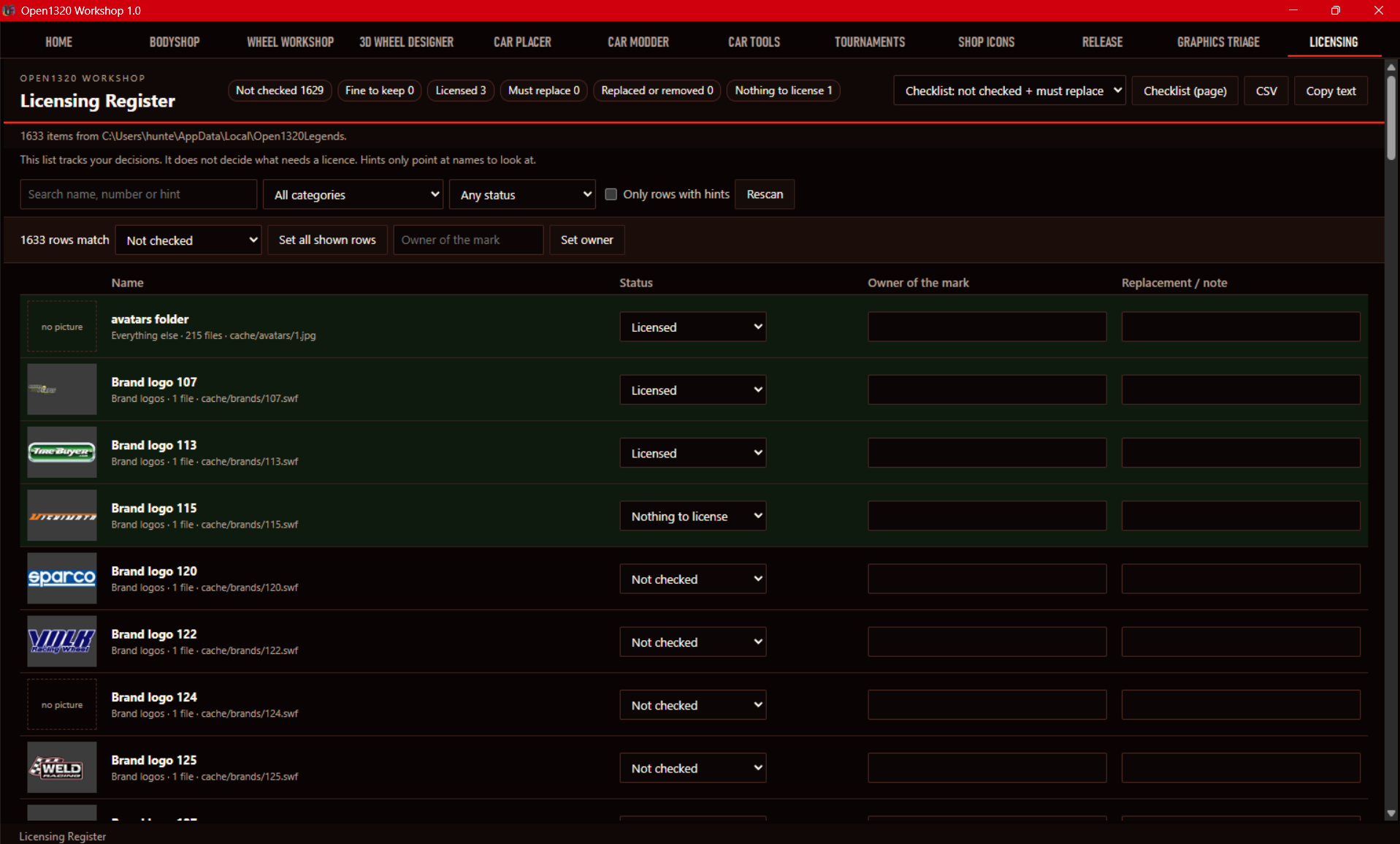
Tracks 1,600+ brand and art items by status and owner, with filters and CSV export.
Screens
The program in use
For your business
We can build this for you
If your team repeats a slow, error-prone process to produce content, products, listings or files, the same approach applies.
Guided steps
Every tool walks the user through numbered steps — choose, add, fit, check, export — so non-programmers can do expert work.
Checks before shipping
Problems are flagged in plain language before export, not discovered by players.
Never lose work
Unsaved work is recovered automatically after a crash or close.
Output the system accepts
Files come out in the exact format the live game reads — no hand fixes.